
Best Mind Mapping Software in 2026: Top 5 Tools Compared
Compare the 5 best mind mapping software tools of 2026—Mind Elixir App, XMind, MindMeister, Ayoa, and Coggle—across features, pricing, privacy, and AI capabilities.
The best mind mapping software helps you capture ideas, visualize complex relationships, and turn raw thinking into structured plans. But with tools ranging from privacy-first desktop apps to full-featured cloud platforms, the right choice depends on how you work—not just what features a product lists on its homepage.
This guide compares five of the most capable mind mapping tools available today: Mind Elixir App, XMind, MindMeister, Ayoa, and Coggle. Each is genuinely strong in its category, but they solve different problems. Here's what actually separates them.
What to Look for in Mind Mapping Software
Before comparing tools, it helps to define what actually matters. Mind mapping software varies along four dimensions that most reviews skip:
- Data ownership and privacy: Cloud tools store your maps on remote servers. Desktop-first tools keep data local. For sensitive business or research content, this is a non-negotiable distinction.
- AI integration model: Some tools bake in a proprietary AI that you cannot replace. Others let you connect your own API endpoint or use open standards like MCP. If you care about which model processes your ideas, verify where the inference happens.
- Performance at scale: Lightweight tools (under 20MB) launch instantly and handle large maps without lag. Browser-based tools depend on network quality and server load.
- Offline capability: Pure web apps stop working without an internet connection. Native desktop apps continue functioning regardless of network status.
Quick Comparison Table
| Tool | Type | AI | Offline | Best For | Starting Price |
|---|---|---|---|---|---|
| Mind Elixir App | Native desktop app | User-supplied API / MCP | ✅ Full | Privacy-conscious solo users | Free (24 maps) |
| XMind | Desktop + web | Built-in XMind AI | ✅ Desktop | Presentation-ready diagrams | Free (limited) |
| MindMeister | Web + mobile app | Limited | ❌ Requires internet | Team collaboration | Free (3 maps) |
| Ayoa | Web + mobile app | Built-in AI | ❌ Requires internet | Teams needing task management | $10/user/mo |
| Coggle | Web only | None | ❌ Requires internet | Quick, shareable diagrams | Free |
#1 Mind Elixir App — Privacy-first with native AI
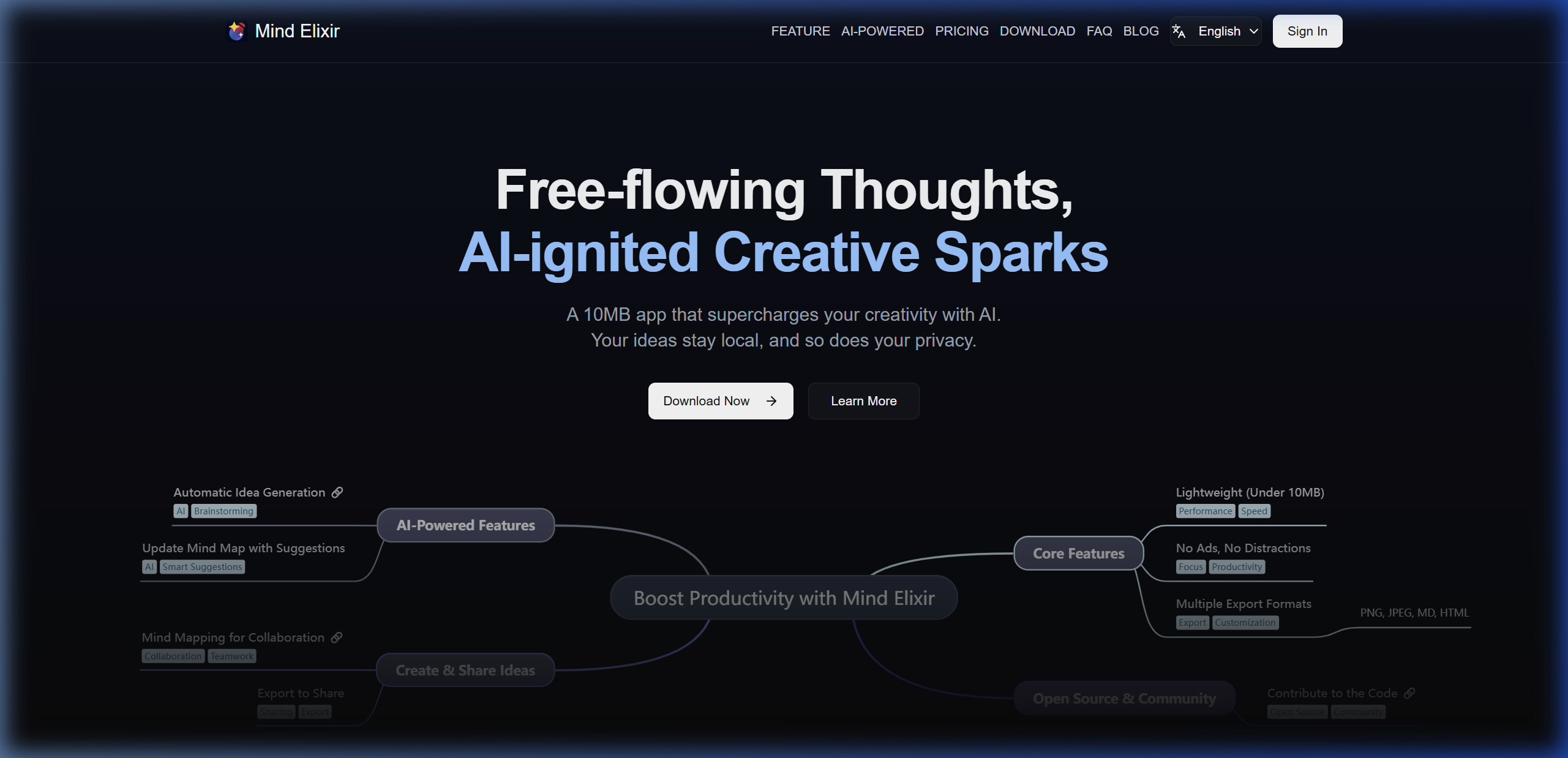
Mind Elixir App is a native desktop mind mapping application available for Windows, macOS, and Linux. The entire application is under 10MB in size and built on the open-source mind-elixir-core library, which has been embedded in dozens of developer projects and web applications.
The product's defining characteristic is local-first data storage. Every mind map you create stays on your machine. Mind Elixir does not send content to external servers, does not display ads, and does not track usage behavior.
Key Features
- User-controlled AI integration: Connect any OpenAI-compatible API key or configure an MCP (Model Context Protocol) server. The AI operates on whichever model you choose—GPT-4o, Claude, or a locally hosted model—giving you full visibility into what processes your content.
- AI-powered content creation: Generate branch ideas, summarize existing nodes, and expand topics automatically using the connected AI service.
- Outline Mode: Switch between radial mind map view and a linear outline editor for the same content. This is useful for turning brainstorm sessions into structured documents without leaving the app.
- eBook to Mind Map: An ecosystem tool that converts EPUB and PDF files into structured mind maps using AI chapter analysis—feeding source material directly into your maps.
- M10C browser extension: Extracts subtitles from YouTube and Bilibili videos, then generates a mind map automatically for import into the desktop app.
- Tag organization: Apply tags to mind maps for fast filtering and retrieval across large collections.
- Cross-platform export: Export to multiple formats with zero watermarks on paid plans; free users can export with watermarks.
- Ecosystem tools: Mind Elixir Cloud provides a browser-based companion for public sharing when you want to distribute work externally.
Who It's Best For
Individual researchers, writers, and knowledge workers who handle sensitive material and want complete data ownership. Developers building on top of a TypeScript mind map core. Anyone who prefers a one-time purchase model over subscription billing.
Limitations
- No built-in real-time collaboration for team editing (Mind Elixir Cloud offers public sharing, but not live co-editing).
- AI features require the user to supply an API key or configure a local model—there is no ready-to-use AI out of the box.
- The ecosystem is newer than XMind or MindMeister; template library is smaller.
Pricing: Free plan available with all export formats, AI generation, and outline mode (limited to 24 maps). Annual plan and a lifetime purchase option (pay once, updates included) eliminate export watermarks and unlock unlimited mind maps.
#2 XMind — Professional diagrams with AI generation
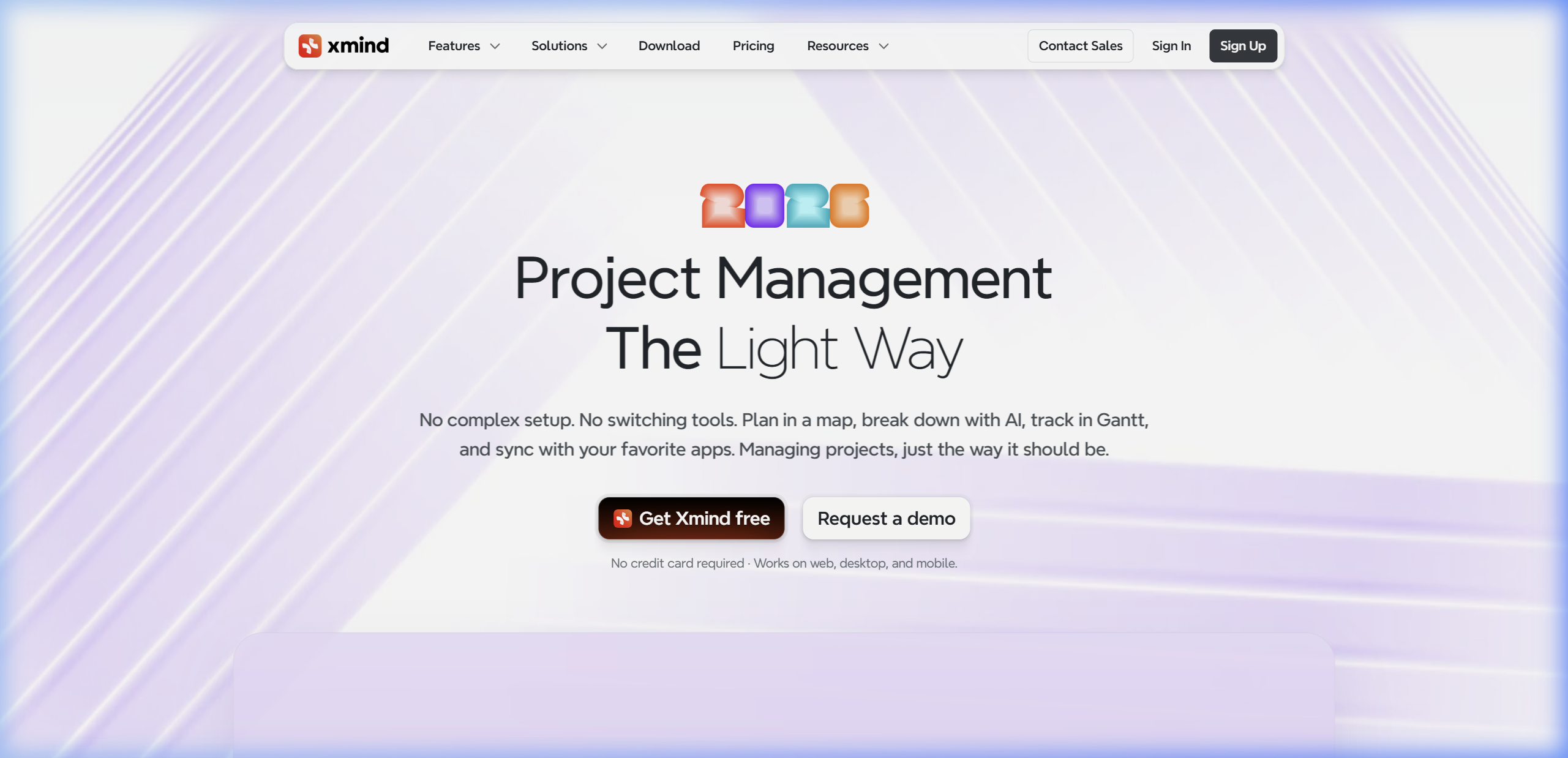
XMind has been one of the most downloaded mind mapping applications globally for over a decade. It ships native apps for Windows, macOS, Linux, iOS, and Android, plus a browser-based version. It is the strongest choice when the output needs to look polished for stakeholders or clients.
The 2025–2026 releases introduced XMind AI, which integrates directly into the mapping canvas for one-click mind map generation from a topic, text-to-map conversion, webpage summarization, document summarization, and a work breakdown feature for project planning.
Key Features
- Structure variety: Beyond standard radial mind maps, XMind supports org charts, timelines, matrices, fishbone diagrams, and Zones—a freeform canvas area inside a map.
- Pitch Mode: Convert a mind map into a slide deck automatically. This is a meaningful differentiator for anyone who regularly presents ideas to audiences.
- Gantt chart (Premium): Assign tasks with dependencies and track them on a Gantt view, exportable to PNG, JPEG, or PDF.
- AI Credits system: Free accounts get 10 AI credits. Pro accounts get 10/month. Premium accounts receive 500 credits/month, enabling continuous AI-assisted work.
- Export breadth: PDF, PNG (1x/2x/3x), SVG, Word, Excel, Markdown, OPML, Textbundle, and PowerPoint (for Pitch exports). Watermarks are removed on paid plans.
- Version history: 3 days on Free and Pro; 30 days on Premium.
- Collaboration: Up to 10 collaborative maps on Free; 50 on Pro; unlimited on Premium.
Who It's Best For
Product managers, project teams, and consultants who need presentation-ready deliverables from their brainstorm sessions. Users who want a single tool that goes from ideation to roadmap to slide deck.
Limitations
- AI is proprietary—you cannot connect your own model or inspect what data XMind sends to its AI backend.
- Data is stored in XMind's cloud, which may not meet enterprise data residency requirements.
- The feature set, while comprehensive, creates a learning curve; some users report the interface feels dense.
- Advanced AI features (Text to Map, document summarization, Gantt) are Premium-only at $8.25/month billed annually.
Pricing: Free tier includes unlimited local maps with limited AI credits and 10 collaborative maps. Pro starts at $4.92/month (billed annually). Premium at $8.25/month unlocks full AI, Gantt, unlimited cloud collaboration, and all export options.
#3 MindMeister — Real-time collaboration online
MindMeister introduced browser-based mind mapping in 2007 and remains the leading choice for teams that need zero-install, real-time collaboration. Over 20 million users have created maps on the platform. The tool works on any browser and offers dedicated apps for iOS and Android.
MindMeister is purpose-built for collaborative sessions. Multiple team members can edit the same map simultaneously, with changes appearing in real time and a history mode that lets you replay the evolution of any map from creation to current state.
Key Features
- Shared editing: Invite collaborators via email or shareable link; control edit vs. view permissions per collaborator.
- History Mode: Replay all changes to a map chronologically. This is valuable for understanding how a project evolved and for recovering from accidental changes.
- Task integration: Convert map nodes into tasks directly from the editor. The Pro and Business plans sync with MeisterTask for full agile board integration—a genuine workflow connection, not just an export.
- Presentation mode: Build slideshows inside the mind map editor; present directly from the browser or export in standard formats.
- Mixed map layouts: Combine classic radial layout with org chart mode in the same map.
- Import/Export: Import from Freemind, XMind, MindManager, and plain text. Export to PNG, PDF, Word, and PowerPoint (Word/PowerPoint on Pro+).
- Microsoft Teams integration: Available on Personal plan and above.
- Custom branding: Upload logos and custom color schemes on Pro and Business plans.
Who It's Best For
Distributed teams that brainstorm and plan collaboratively. Educators using mind maps as teaching aids. Organizations already using MeisterTask for project management who want an integrated planning layer.
Limitations
- Fundamentally requires an internet connection; there is no offline mode.
- The free plan caps users at 3 mind maps total—effectively a trial tier for most workflows.
- No native AI content generation as of 2026.
- Cannot handle advanced process diagrams (e.g., BPMN, system flowcharts); it is a mind mapping tool, not a general diagramming tool.
- Can experience performance lag with very large maps containing many media attachments.
Pricing: Free plan limited to 3 maps. Personal plan at approximately €6.50/user/month (billed annually) unlocks unlimited maps, export to PDF/image, and 7-day version history. Pro at ~€10.50/user/month adds unlimited attachments, unlimited history, Google Workspace SSO, and Office exports. Business at ~€15.50/user/month adds compliance features, SAML SSO, and dedicated onboarding.
#4 Ayoa — Mind mapping meets project management
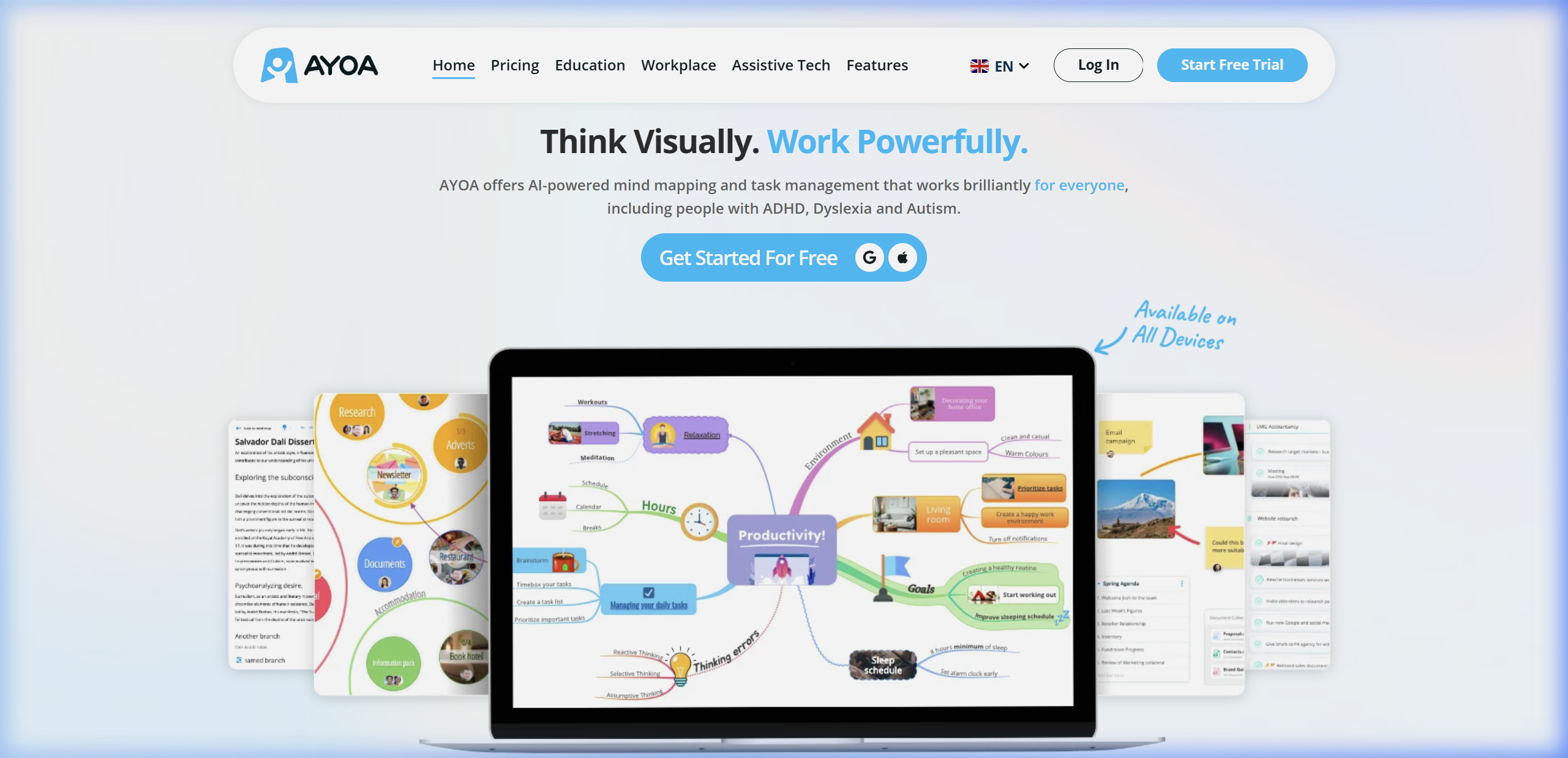
Ayoa occupies a distinct position: it is a hybrid platform that combines mind mapping with task boards, Kanban views, Gantt charts, and team chat. If your workflows need to move from brainstorm directly into sprint planning or project execution, Ayoa covers the entire chain in one product.
Ayoa's mind mapping module supports multiple visual styles—organic, radial, speed, and capture maps—and includes an Idea Bank for capturing thoughts before committing them to a structured map. The platform is also notable for neuro-inclusive design principles, with features like Auto Focus developed to support ADHD and dyslexic users.
Key Features
- Multiple map styles: Organic mind maps (freeform, bubble-style) alongside radial and linear formats—unusually flexible for a single tool.
- Maps inside maps: Embed a complete mind map inside a topic bubble, enabling layered hierarchies for complex research or system designs.
- Idea Bank: Capture unstructured ideas in a temporary holding space and drag them into a live mind map when ready.
- Task conversion: Right-click any branch to convert it into a task, which immediately appears on the integrated Kanban or task board.
- Gantt charts (Ultimate plan): Built-in timeline view with dependencies and milestones, without needing a separate tool.
- Team chat: Discuss work directly inside the project workspace instead of switching to Slack or email.
- Integrations: Google Calendar, Google Drive, Dropbox, Zoom, and Google Contacts.
- AI generation (Ultimate): AI brainstorming assistant and content summarization, though the AI is prompt-based rather than a persistent assistant.
Who It's Best For
Small-to-medium teams that want to avoid managing two separate tools—one for brainstorming and another for project execution. Project managers who need the flexibility of visual thinking combined with the accountability of task tracking and Gantt views.
Limitations
- Requires an internet connection; no desktop offline mode.
- AI features are prompt-based and limited compared to dedicated AI tools or Mind Elixir's bring-your-own-model approach.
- The breadth of features adds interface complexity; first-time users often need 30–60 minutes to orient themselves.
- No advanced export formats for mind maps (e.g., no Markdown export for structured note-taking pipelines).
Pricing: Free plan supports up to 10 mind maps and basic task boards. Mind Map/Pro plan starts at approximately $10/user/month (billed annually), including unlimited maps, image library, and collaboration. Ultimate plan at ~$13/user/month adds Gantt charts, whiteboards, video conferencing, team chat, and full AI features.
#5 Coggle — Frictionless free-tier visual maps
Coggle has attracted over 10 million users with a principle competitors often neglect: it should take less than 60 seconds to get from opening the app to having a working mind map. There is no download, no tutorial, and no configuration. Open the browser, sign in with Google, and the canvas is ready.
Coggle's design philosophy trades advanced features for pure usability. The result is a tool that wins for quick brainstorms, meeting notes, and educational diagrams where simplicity matters more than depth.
Key Features
- Realtime collaboration: Invite collaborators by link; multiple people can edit simultaneously with colored cursors showing each user's position.
- Multiple root nodes: Start a diagram with more than one central topic—useful for comparing two frameworks or mapping an entire ecosystem with multiple entry points.
- Branch loops and joins: Connect branches that would normally stay separate, enabling flowchart-like logic inside a mind map canvas.
- Version history: Every change is automatically saved; scroll back through the history to restore any previous state.
- Floating text and images: Annotate any part of the canvas with text labels or images outside the main map structure.
- No-setup collaboration (Awesome plan): Share a secret link that lets anyone edit the diagram without creating an account.
- Unlimited image uploads: Drag images from desktop directly onto the canvas.
- Flowcharting mode (Awesome plan): Shape library for building process maps alongside mind maps in the same workspace.
- Export: PDF, text file, and image export.
Who It's Best For
Students, educators, and casual users who need fast, shareable diagrams. Teams that run quick collaborative brainstorms without needing advanced structure. Users who want zero setup overhead.
Limitations
- No native AI features for content generation or idea expansion.
- Browser-only; no offline mode and no desktop application.
- Limited customization compared to XMind or MindMeister—fewer structure types, colors, and themes.
- Maps can become difficult to navigate when they grow large; no built-in hierarchy management tools.
- Free plan limits users to 3 private diagrams (unlimited public diagrams are allowed).
Pricing: Free plan includes unlimited public diagrams, 3 private diagrams, and full collaboration features. The paid "Awesome" plan unlocks unlimited private diagrams, flowcharting shapes, and no-account collaboration for invited guests.
Is There a Mind Map Tool with No Subscription?
One frequently asked question in mind map searches: is there a tool that does not require ongoing monthly payment? Mind Elixir App and XMind both offer a free tier with local file storage. Mind Elixir additionally offers a lifetime purchase option—pay once and receive updates permanently. This model is rare in the software-as-a-service era and worth noting for users who prefer owning software outright.
XMind's free tier is generous for solo local use, but the most useful AI and collaboration features require a recurring subscription.
How to Choose the Right Mind Mapping Software for Your Needs
| If you need… | Choose… | Because… |
|---|---|---|
| Complete data privacy and local storage | Mind Elixir App | All files stay on your machine; no server telemetry |
| Use your own AI model or MCP server | Mind Elixir App | Bring-your-own-API model, MCP server support |
| Real-time team collaboration | MindMeister | Built specifically for shared live editing |
| Presentation-ready output from mind maps | XMind | Pitch Mode converts maps to slides instantly |
| Combined brainstorming + task/project management | Ayoa | Single platform from idea to sprint board |
| Fast, zero-setup diagramming | Coggle | Sub-60-second onboarding, no install needed |
| Lifetime license, no monthly fees | Mind Elixir App | One-time purchase option available |
Frequently Asked Questions
What is the best free mind mapping software?
For solo use with local storage, Mind Elixir App's free plan includes all export formats, AI content generation (with your own API key), and outline mode—with no feature degradation compared to paid plans beyond watermarks and map count limits. For collaborative free use, Coggle allows unlimited public diagrams and real-time editing without any payment.
Which mind mapping tool is best for teams?
MindMeister leads for pure real-time collaboration with 20 million+ users and a stable shared editing platform. Ayoa is the better choice for teams that need to track tasks, manage timelines, and communicate inside the same workspace. XMind covers teams that produce structured deliverables like slide decks and project roadmaps.
Can I use mind mapping software offline?
Mind Elixir App and XMind both have native applications that work completely offline. MindMeister, Ayoa, and Coggle are web-first tools and require an internet connection for most operations.
Does mind mapping software protect my privacy?
Only Mind Elixir App stores data exclusively on your local device. All cloud-based tools—XMind, MindMeister, Ayoa, and Coggle—sync your maps to remote servers, which is worth considering if your maps contain sensitive business strategy, research, or personal information.
Which mind mapping tool has the best AI features?
XMind Premium offers the most ready-to-use AI features (500 AI credits/month), including text-to-map generation, document summarization, and Gantt-based work breakdown. Mind Elixir App takes a different approach: it lets you connect any OpenAI-compatible API or an MCP server, giving you the flexibility to use the most capable or cost-effective model for your specific needs.
Final Thoughts
The best mind mapping software in 2026 is not a single tool—it depends on what you are mapping and with whom.
Mind Elixir App is the standout choice for privacy-conscious individuals and developers who want local-first storage, open-source transparency, AI flexibility through bring-your-own-model, and a one-time purchase option. At under 10MB, it launches instantly and stays out of your way.
XMind remains the professional's choice when output quality and presentation matter—its structure variety, Pitch Mode, and AI generation (on Premium) produce polished deliverables from rough ideas.
MindMeister leads for distributed teams that live in the browser and need the most reliable real-time collaboration experience with task integration.
Ayoa makes sense when a team genuinely needs to combine visual brainstorming with Kanban, Gantt, and team chat in one subscription rather than three.
Coggle wins for speed and simplicity—it remains unmatched for getting from zero to a shareable diagram in under a minute.
Start with the table above, identify your non-negotiables (privacy, collaboration, AI, offline access, pricing model), and choose accordingly.